ABLE assessment and Dashboard
Take the ABLE assessment, and see your results and plan at a glance on the Dashboard
Contents
ABLE is an assessment of four areas of yourself as a founder: Founder Confidence (A), Inner Roadblocks (B), Weight Carried Alone (L), and Execution Habits (E). Answer 24 questions (about 5 minutes) in ABLE Insight to get a report with your 16-type result and solution cards for your current stage.
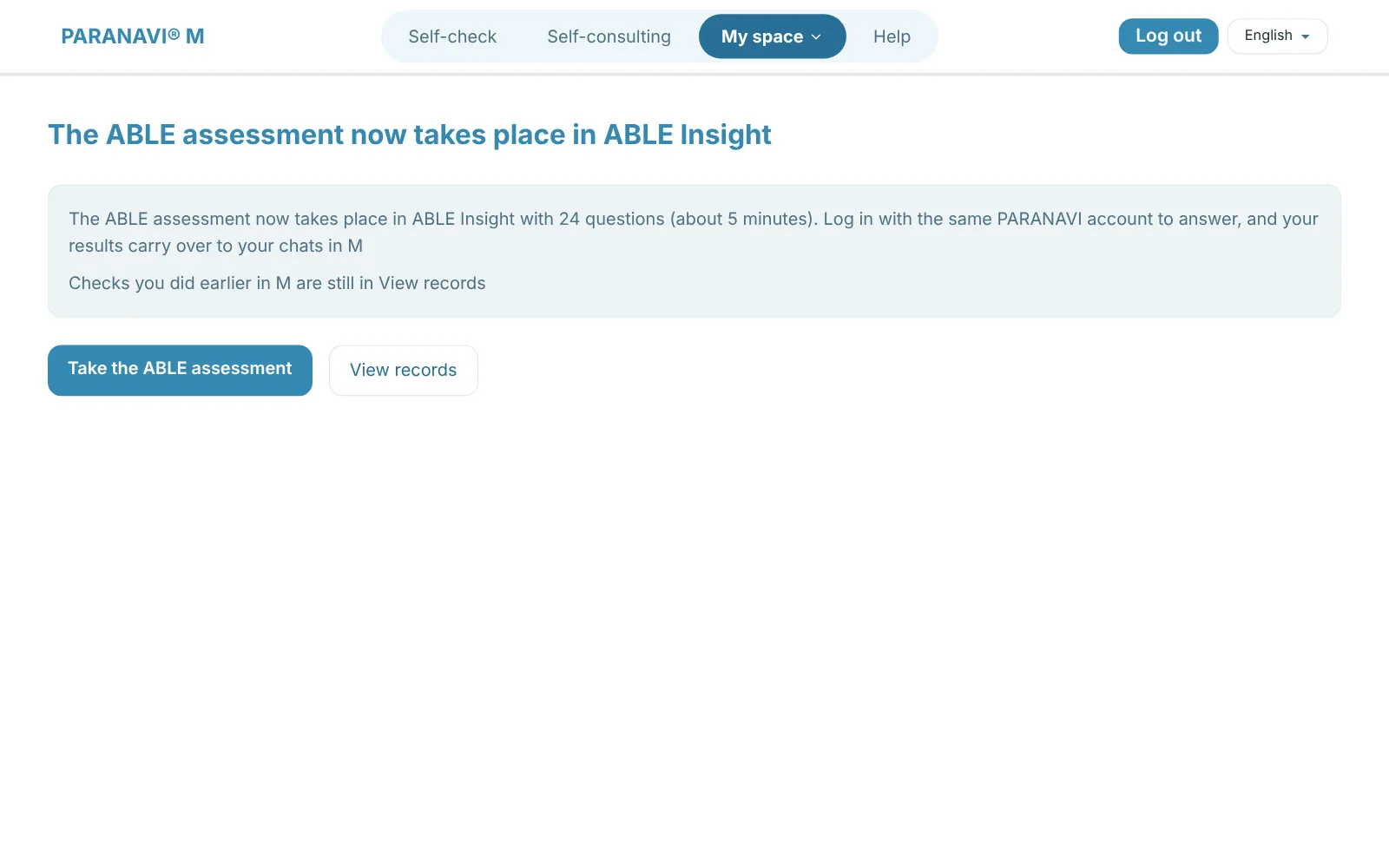
- 1
Answer the questions
Log in to ABLE Insight with the same PARANAVI account and answer the 24 questions. The question about your current stage at the end is optional.
- 2
See your results
When you finish the 24 questions, you can open the report for free. Your results carry over to the M Dashboard and your chats.
- 3
Continue in a chat
Press the button for continuing in M on the report, and a new chat opens based on your results.
Dashboard
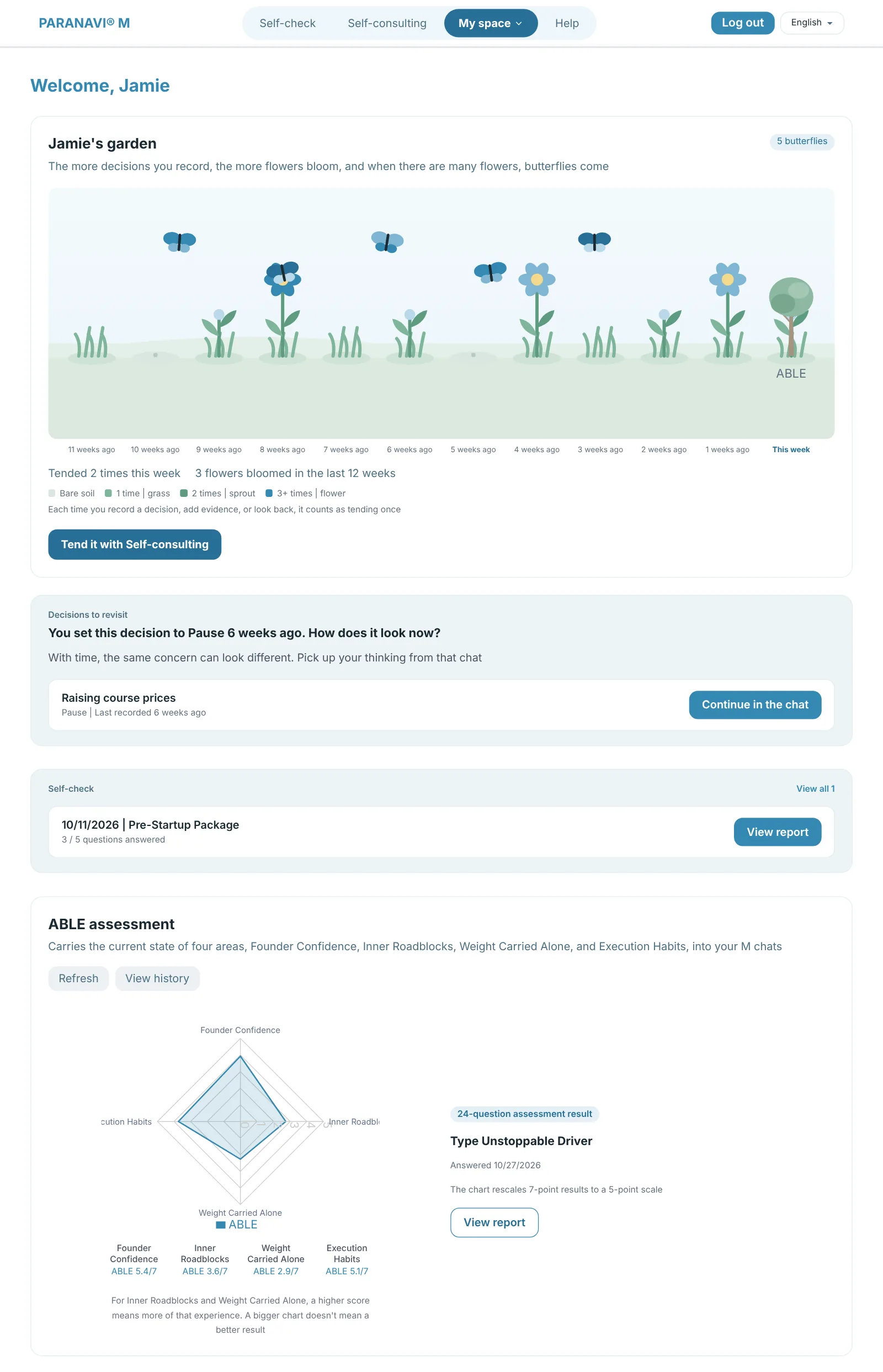
- Garden: Each week you record a decision or add evidence, grass and flowers grow in that week's square. The more recent flowers you have, the more butterflies visit, and flowers don't wilt when you take a break. Answering the ABLE assessment grows a tree.
- Decisions to revisit: If a decision you left at Explore more or Pause stays unchanged for more than 3 weeks, M asks about it again below the Garden. Press Continue in the chat to open the chat the decision came from. When there are no decisions to revisit, a faded notice card appears.
- Self-check: Shows your past reports, most recent first.
- ABLE assessment: Your results graph, 16-type name, response date, View report and View records. It shows your most recent 24-question assessment (or earlier 39-question) result, or the interim result if you stopped at question 12 in the earlier version.
- Current plan: BASIC shows your remaining sessions and expiry date, and PRO shows your next billing date.
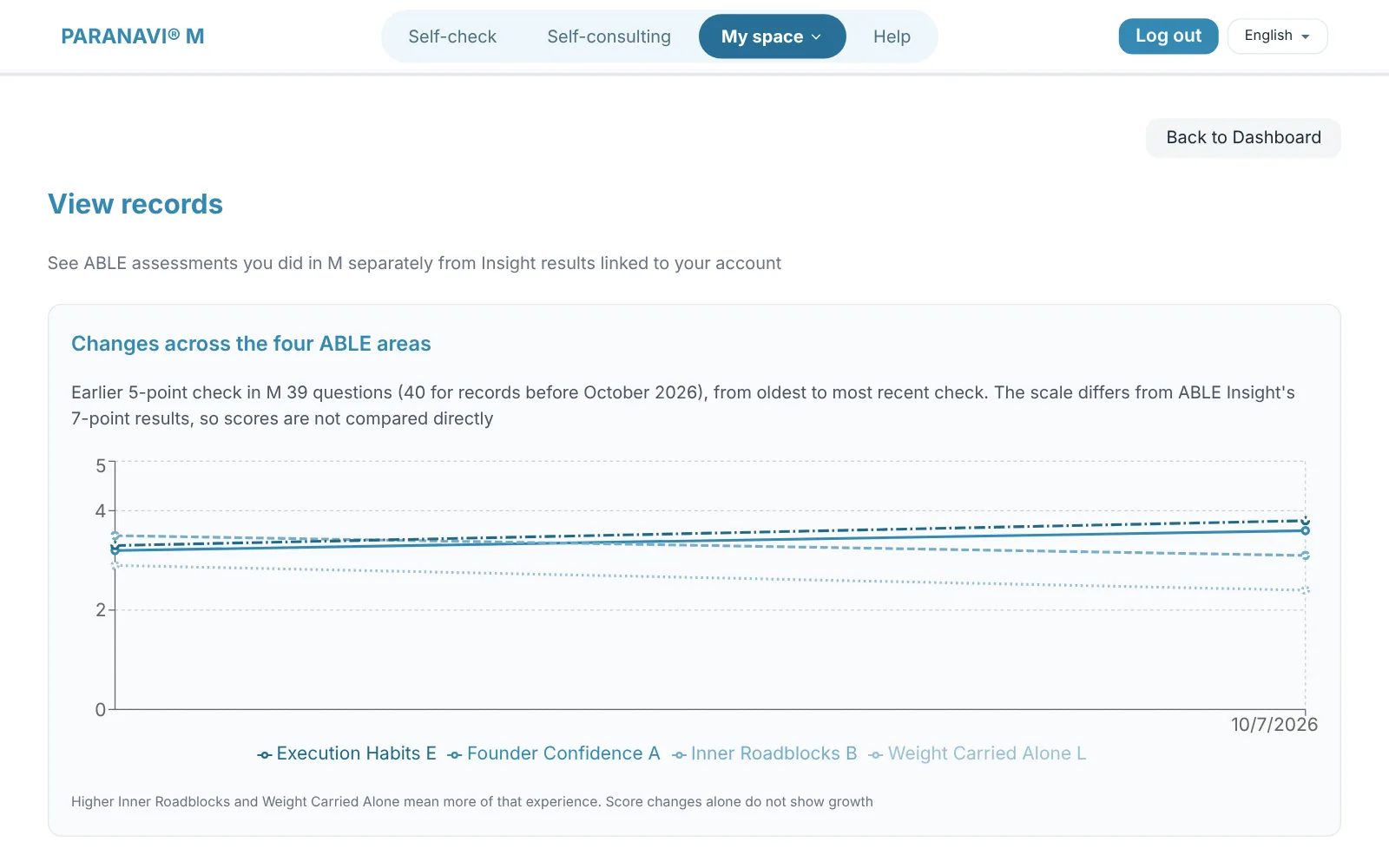
Higher Inner Roadblocks and Weight Carried Alone mean you've experienced more of them. They're a place to start a chat, and they don't mean good or bad. If you took the Insight assessment without an account, log in to Insight to link the results to your account.