Signing up and logging in
Sign up with one PARANAVI® account, and find your ID or password
Contents
You use M with a PARANAVI® account. The same account works for the other services in PARANAVI® Series.
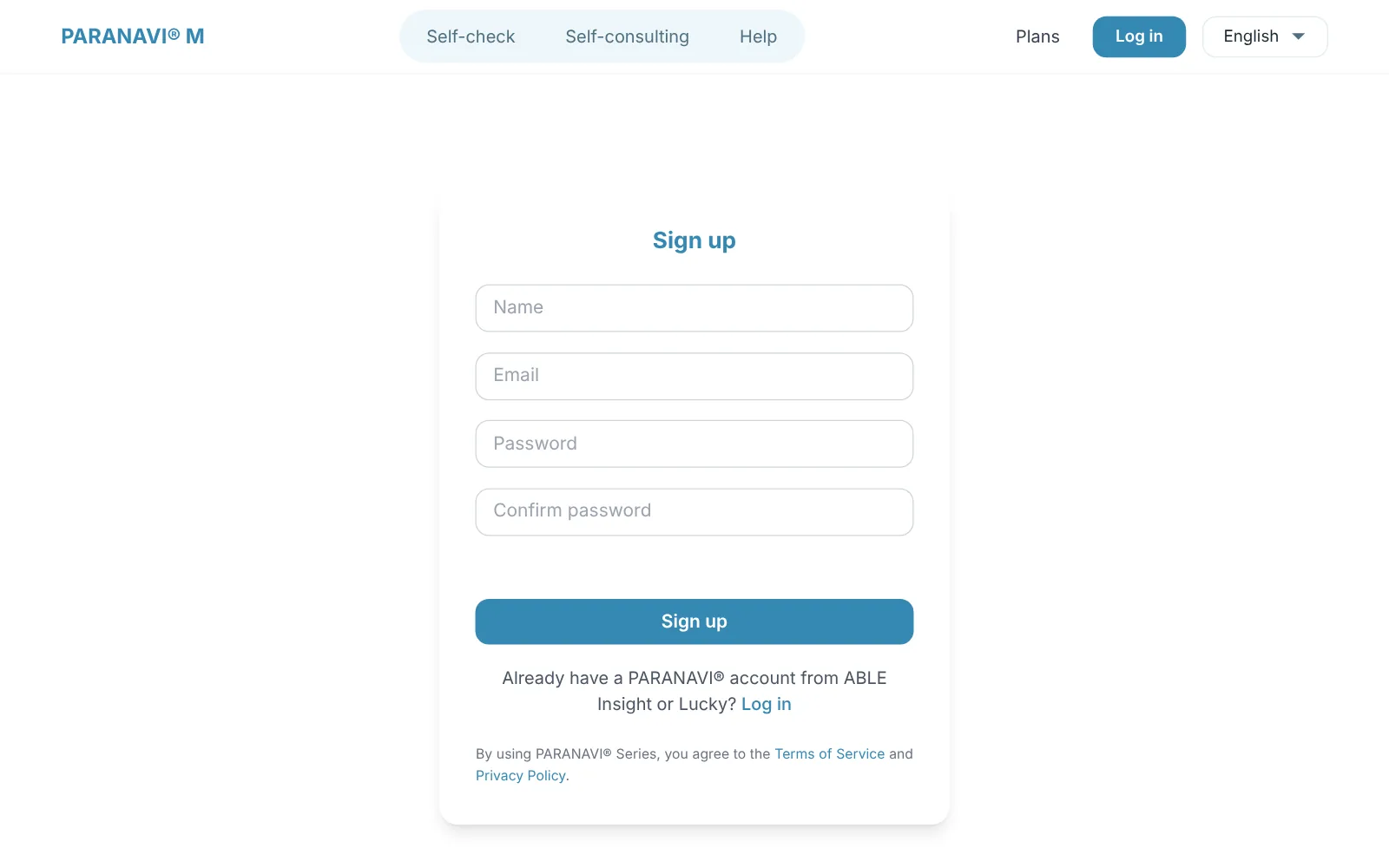
Sign up
- 1
Enter your details
Enter your name, email, password, and password confirmation.
- 2
Bot check
You go through a step that confirms you're not a robot.
- 3
Done
When sign-up is complete, you move to the login screen. There is no separate email verification.
By signing up, you agree to the Terms of service and Privacy policy. You can't sign up again with an email from a deleted account.
Log in
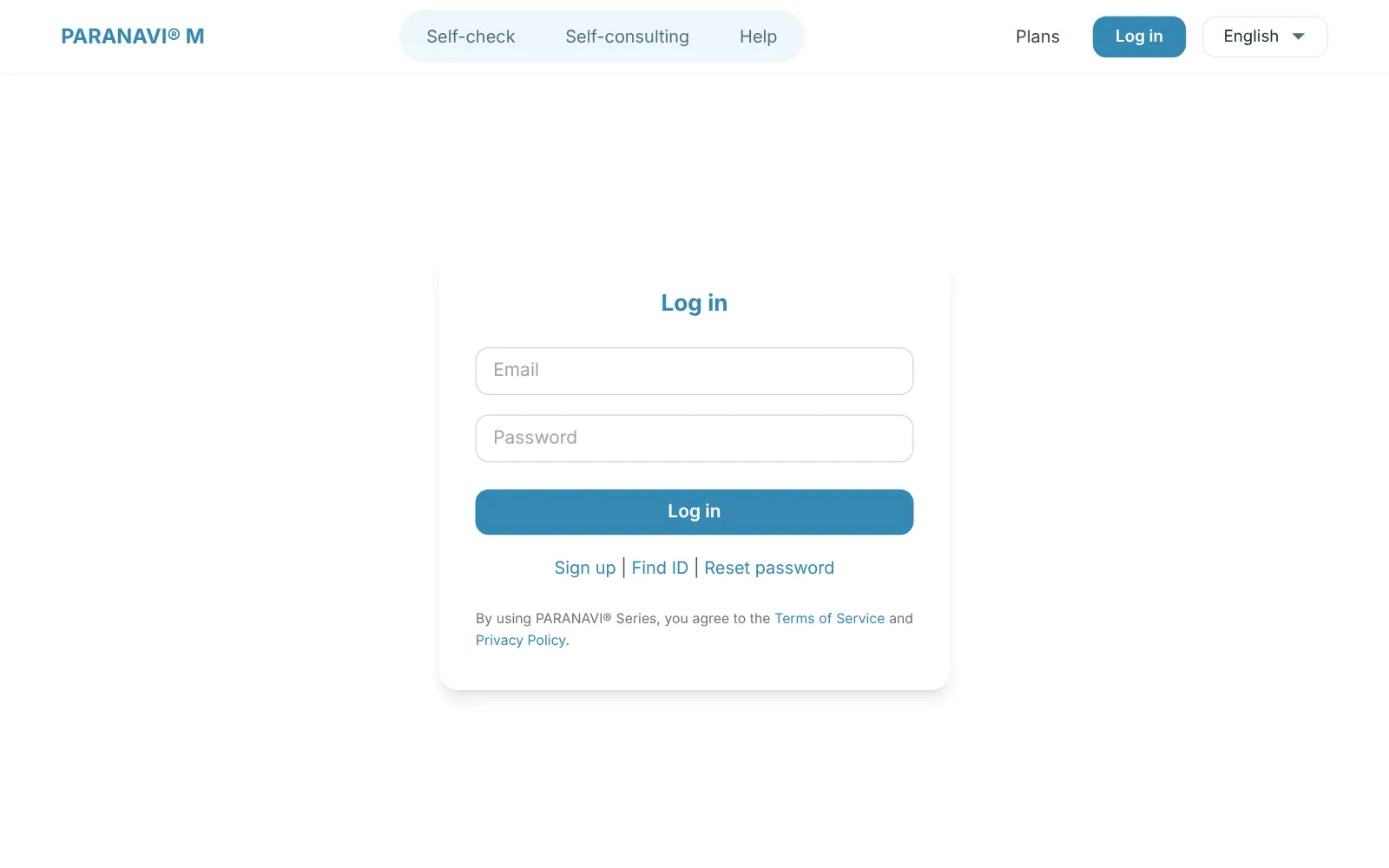
Log in with your email and password, and the Self-consulting screen opens. You stay logged in for 7 days.
If you forget your ID or password
- Find ID: Enter your name and part of your email (e.g., gmail), and we'll send your ID to the email you signed up with.
- Reset password: Enter the email address you signed up with, and we'll send you a reset link. The link is valid for 30 minutes.