Saving, reopening, and deleting chats
Keep a chat with Save chat, then reopen or delete it from Saved chats
Contents
Press Save chat above a chat to add it to your Saved chats list. You name the chat the first time you save it.
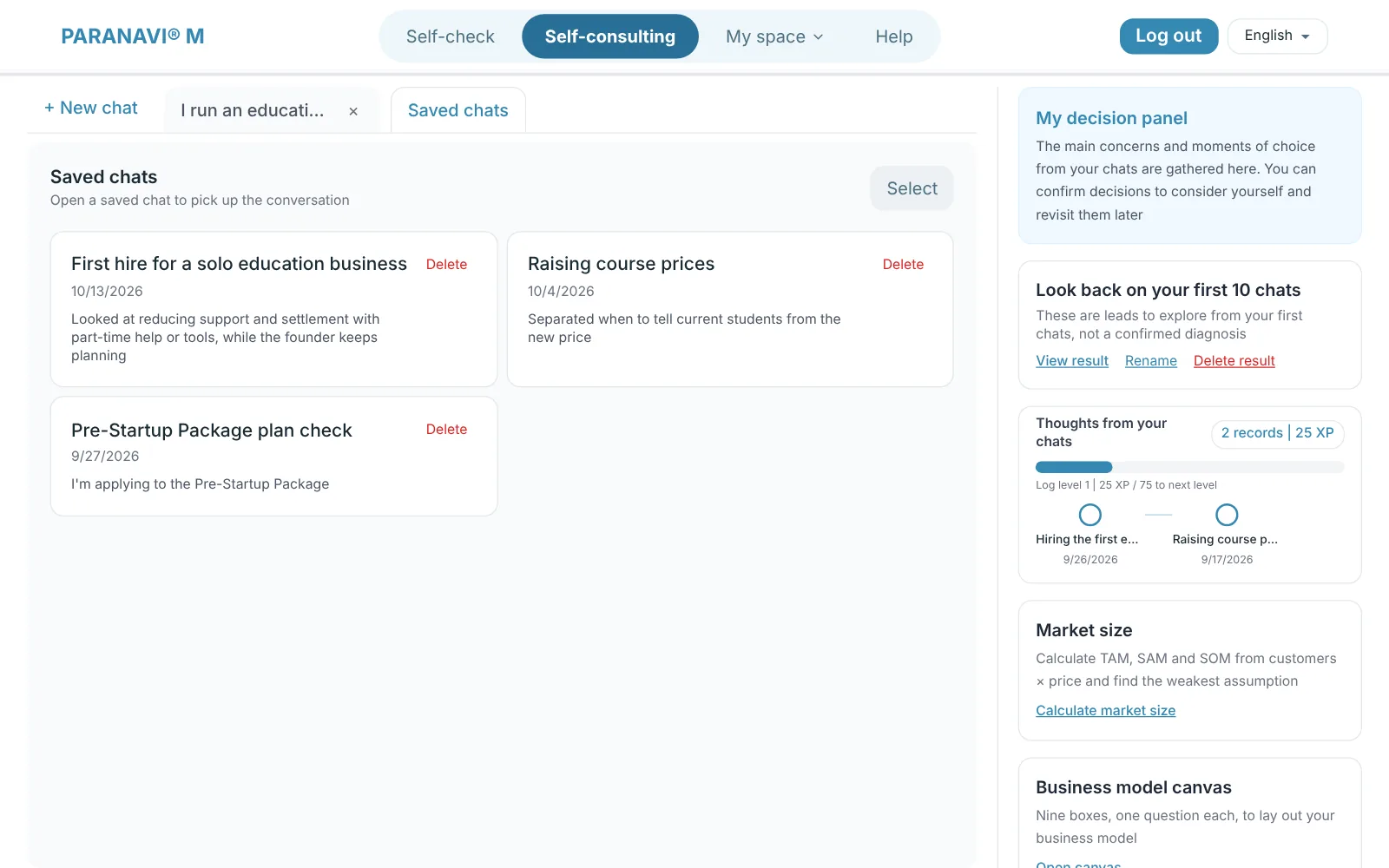
- In the Saved chats tab, press a chat to reopen it and keep talking.
- Press Select to pick several chats at once and delete them.
- Closing a tab doesn't delete the chat. When you close a chat you haven't saved, M asks first whether to save it.
By plan
- FREE: You can't save chats. Chats you saved before are read-only.
- BASIC: Save chats, reopen them, and keep chatting.
- PRO: A chat summary is created when you save.
Deleting
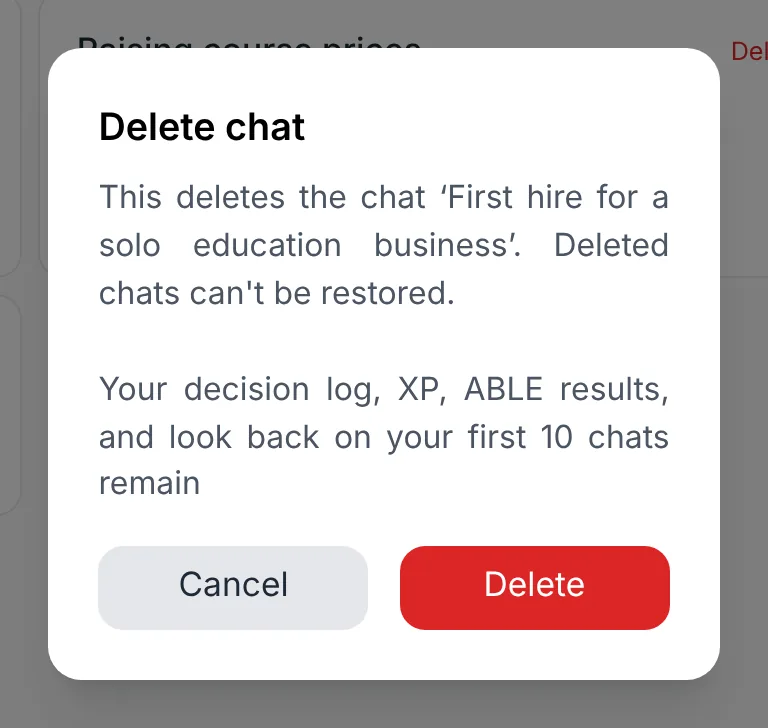
Deleted chats can't be restored. Your decision log, XP, ABLE results, and Look back on your first 10 chats stay.