Look back on your first 10 chats
After your first ten chats, M sums up how your chats have gone
Contents
On any plan, Look back on your first 10 chats opens automatically after your first ten chats. After that, you can see it again with View result on the panel.
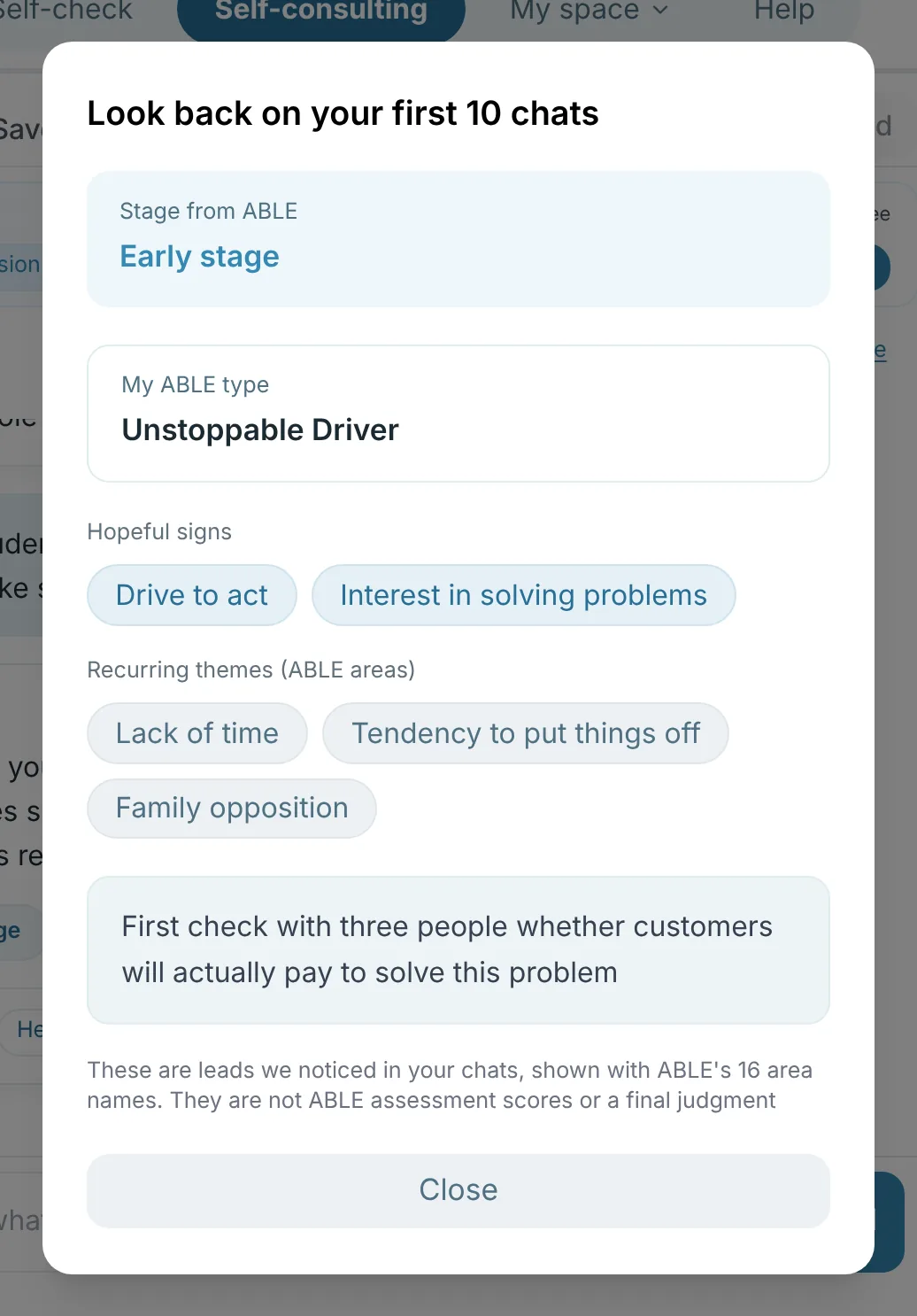
- Stage: the stage you chose in the ABLE assessment if there is one, otherwise the stage seen in your chats, shown with ABLE stage names
- My ABLE type: your 16-type name if you took the ABLE assessment, or an invitation to take it
- Hopeful signs and recurring themes (shown with ABLE's 16 bundle names)
- Actions to try next
These are clues for exploration found in your chats, not ABLE assessment scores or settled decisions. You can rename or delete it on the panel, and a deleted result isn't created again.